

Organizing Your Workspaces
Effectively organize your public-facing workspace by subject area, grade level, or role to help users find the right apps quickly. It’s important to keep your organization and the workspaces in it logically sorted in ways that meet your workflows and the workflows of your team.Subject Area Organization
Group apps by subject (Math, ELA, Science, Social Studies, etc.)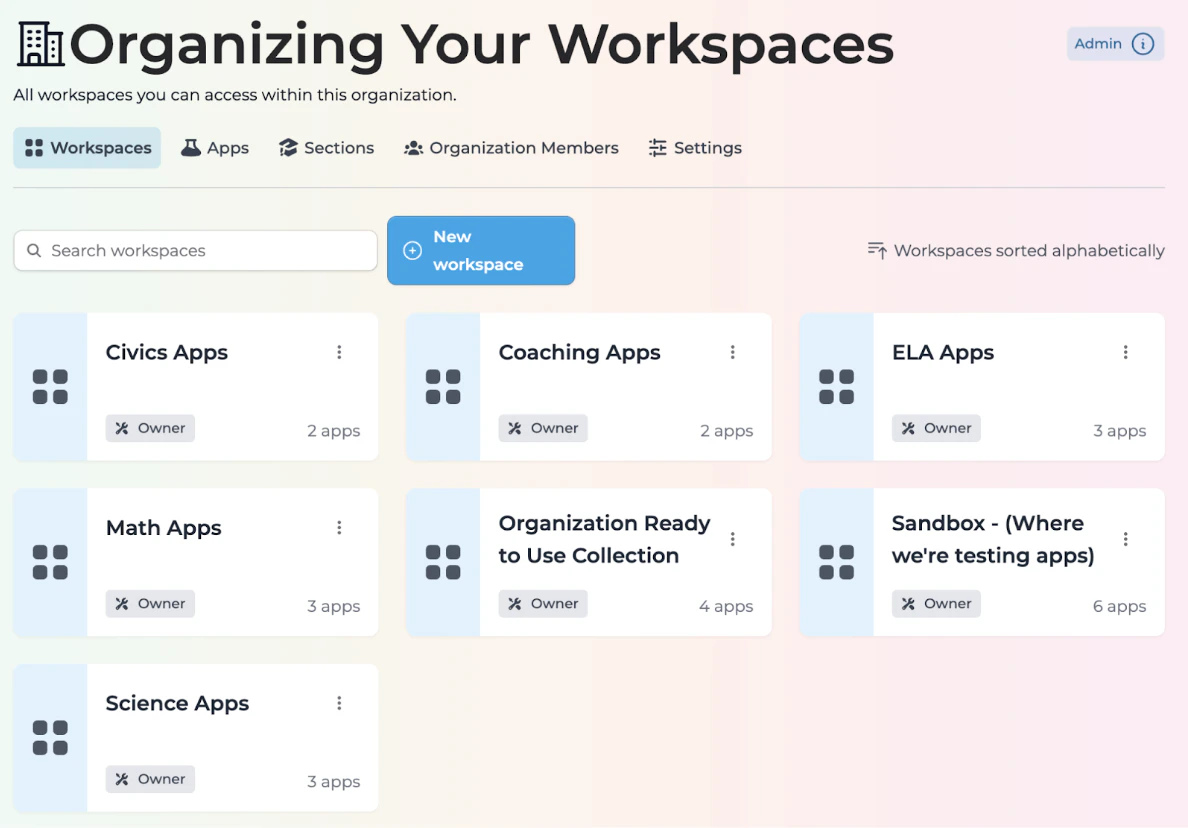
Grade Level Organization
Organize apps according to appropriate grade levels or bands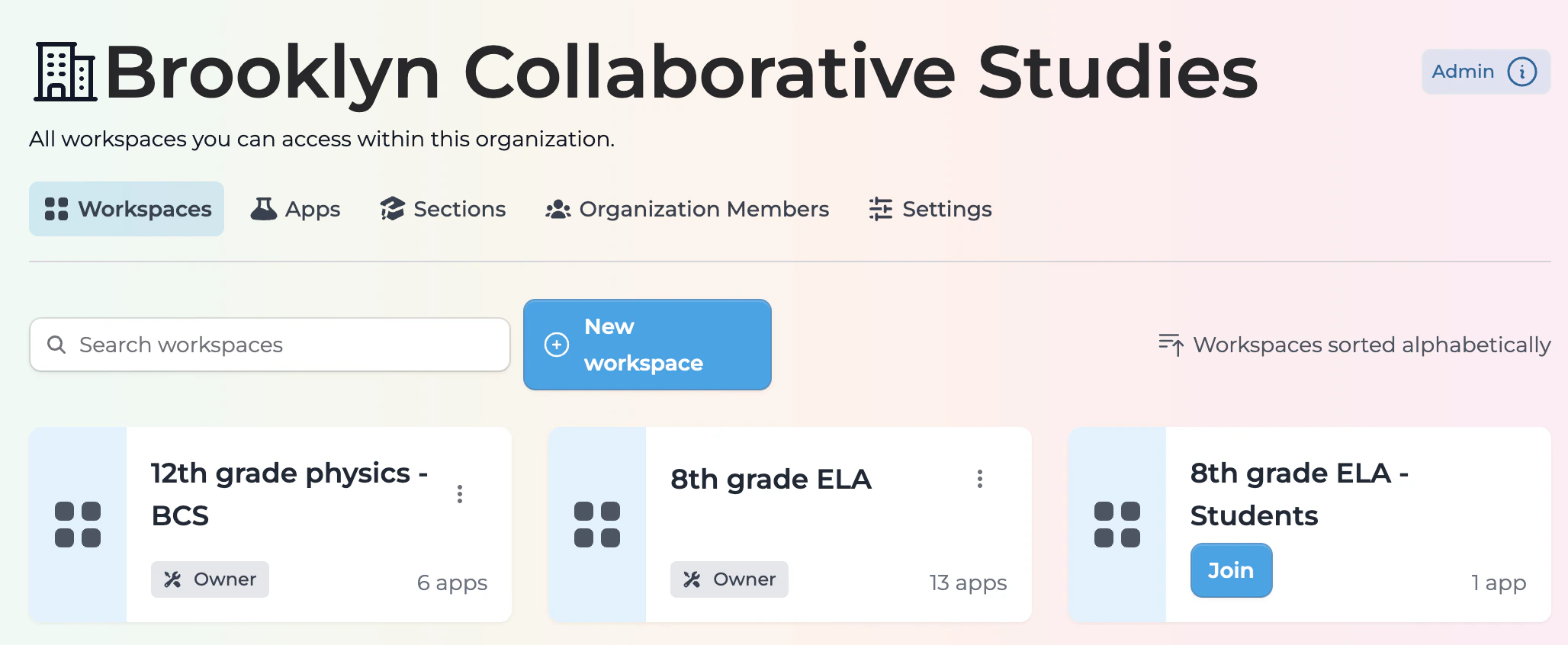
Role-Based Organization
Arrange apps based on like roles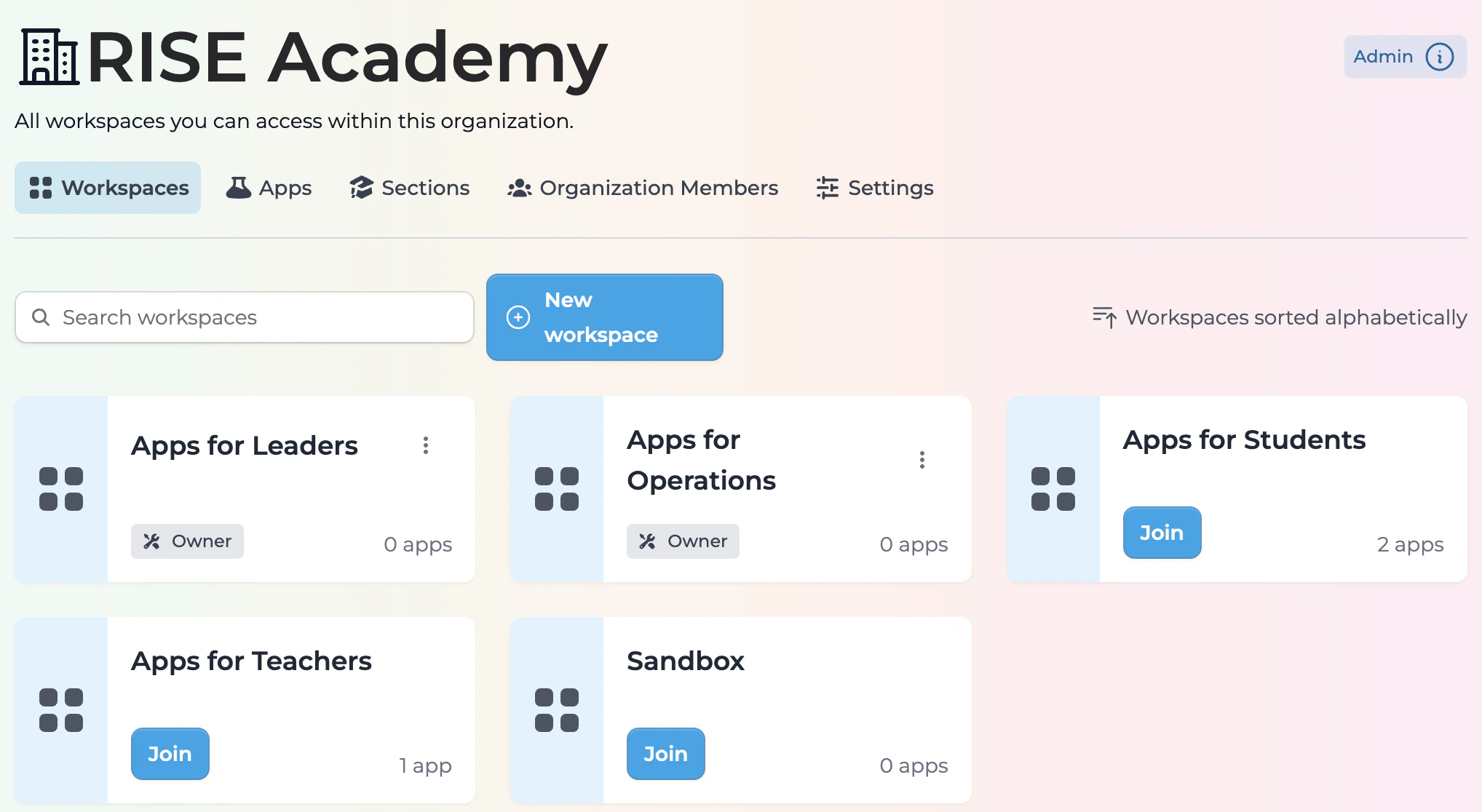
Publishing in Directories
Make your Playlab apps discoverable through internal collections and external platforms.Create your own Google Site
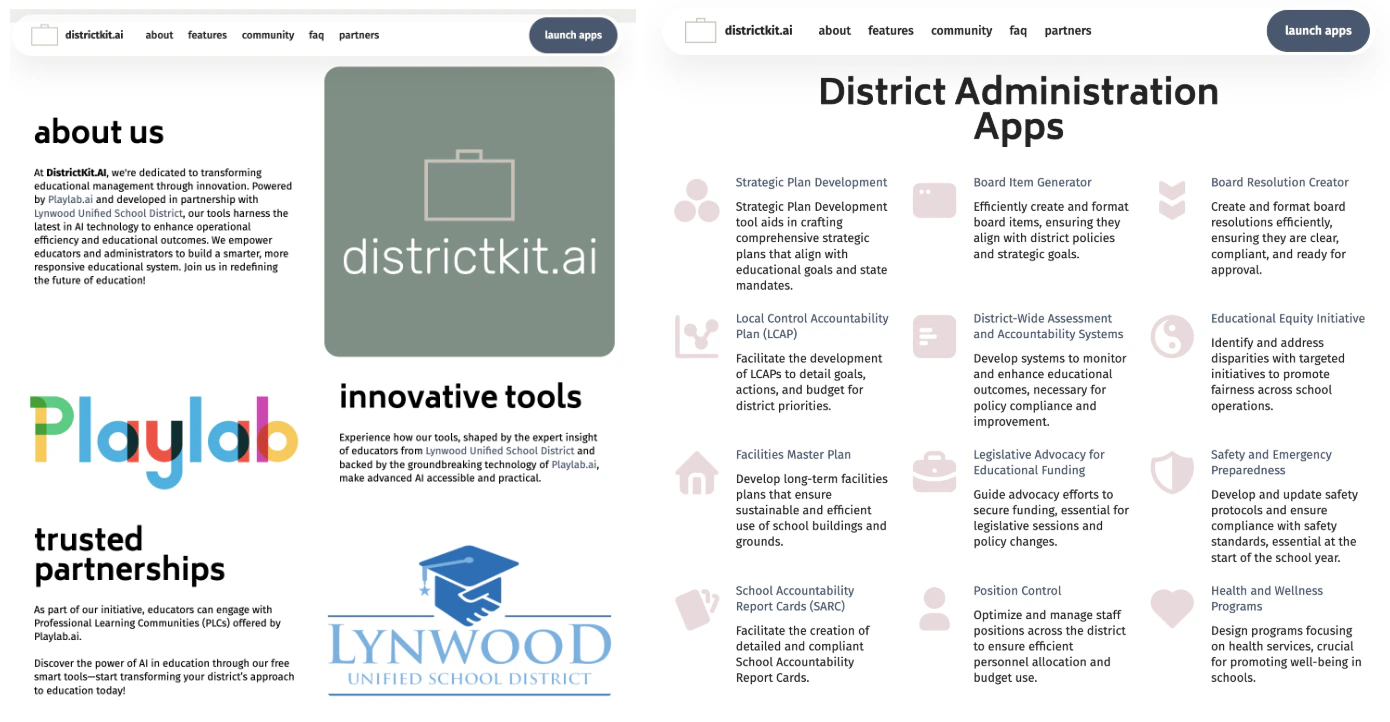
Create your own published Notion Page
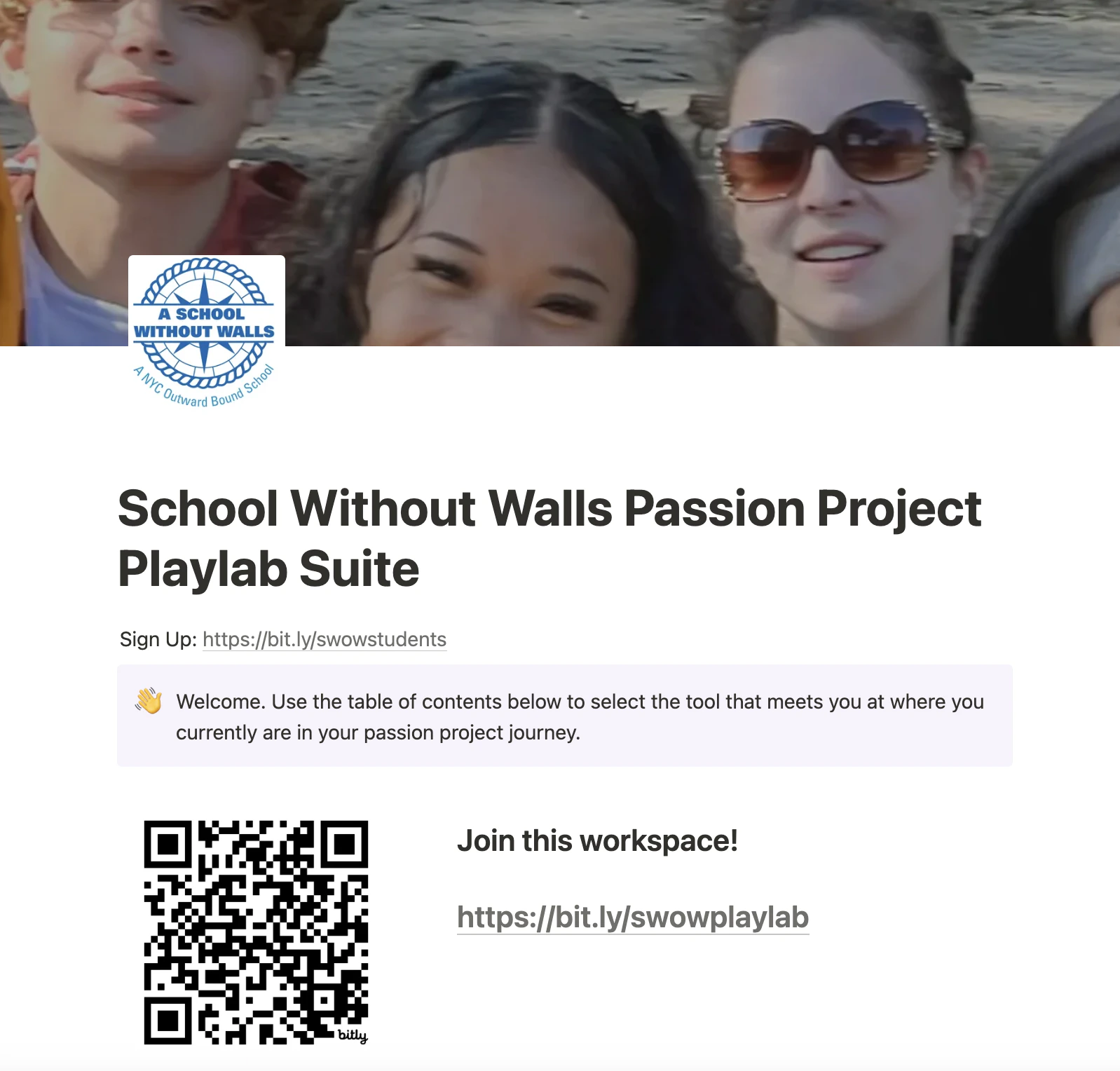
Use QR Codes to make your Apps More Accessible to Users
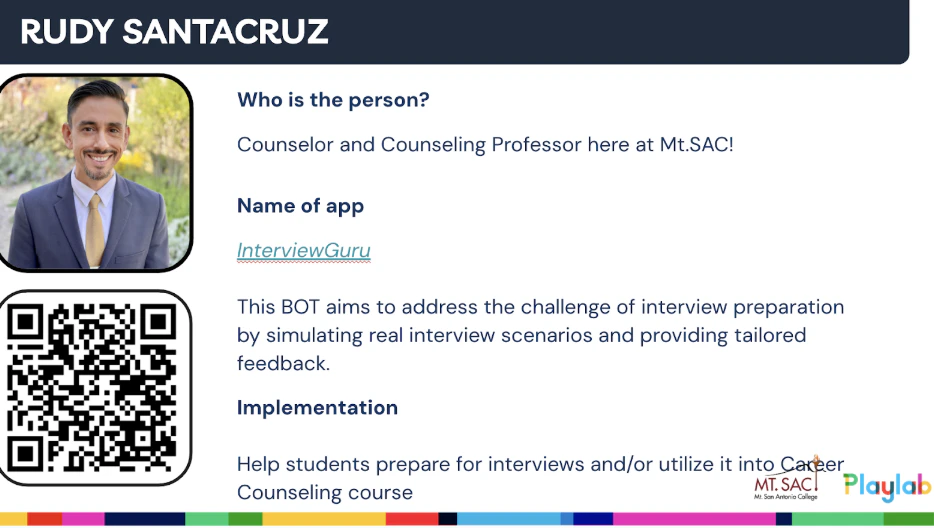
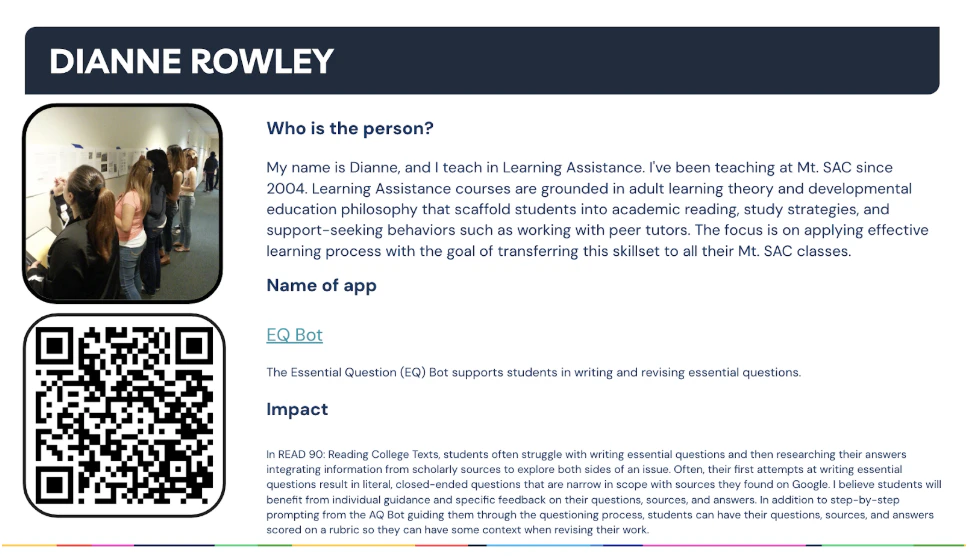
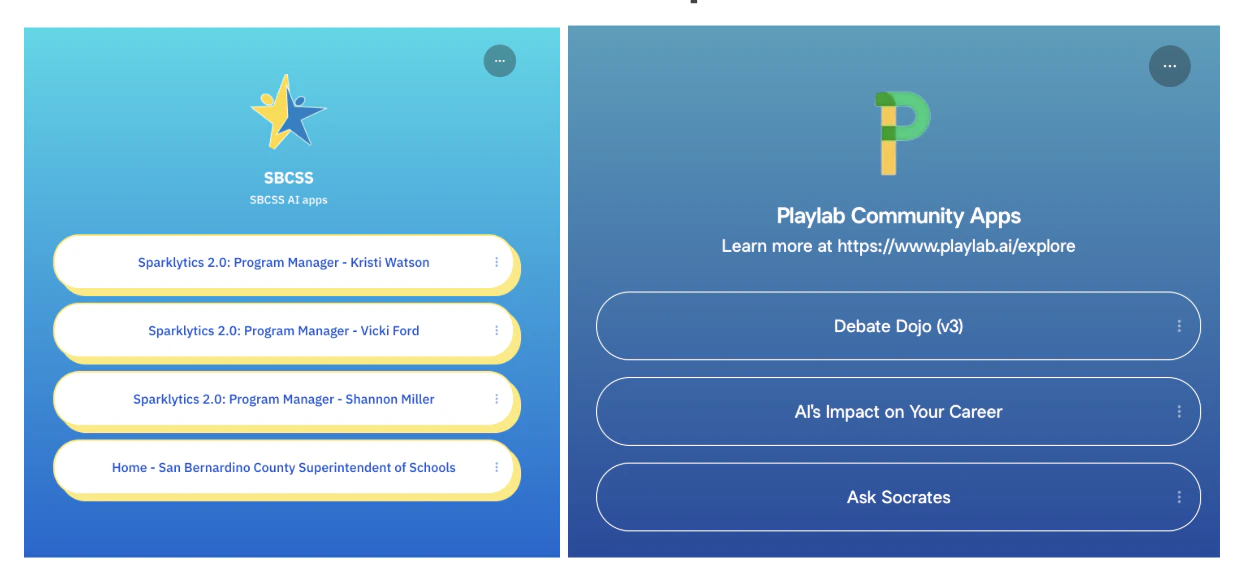
Create LinkTrees or other quick directories
Implementation Tips
Remember that successful organization is an iterative process:- Develop a consistent naming convention
- Sort and categorize apps based on user needs
- Regularly review and update your organization system
- Get feedback from users on discoverability
Related
App Status Designations
Want to categorize your apps by development status (Playing, Experimenting, In Review, Ready to Use)? Check out the App Status Designations feature.